A practical, no-code guide for small business owners
Hand your busywork to software, safely.
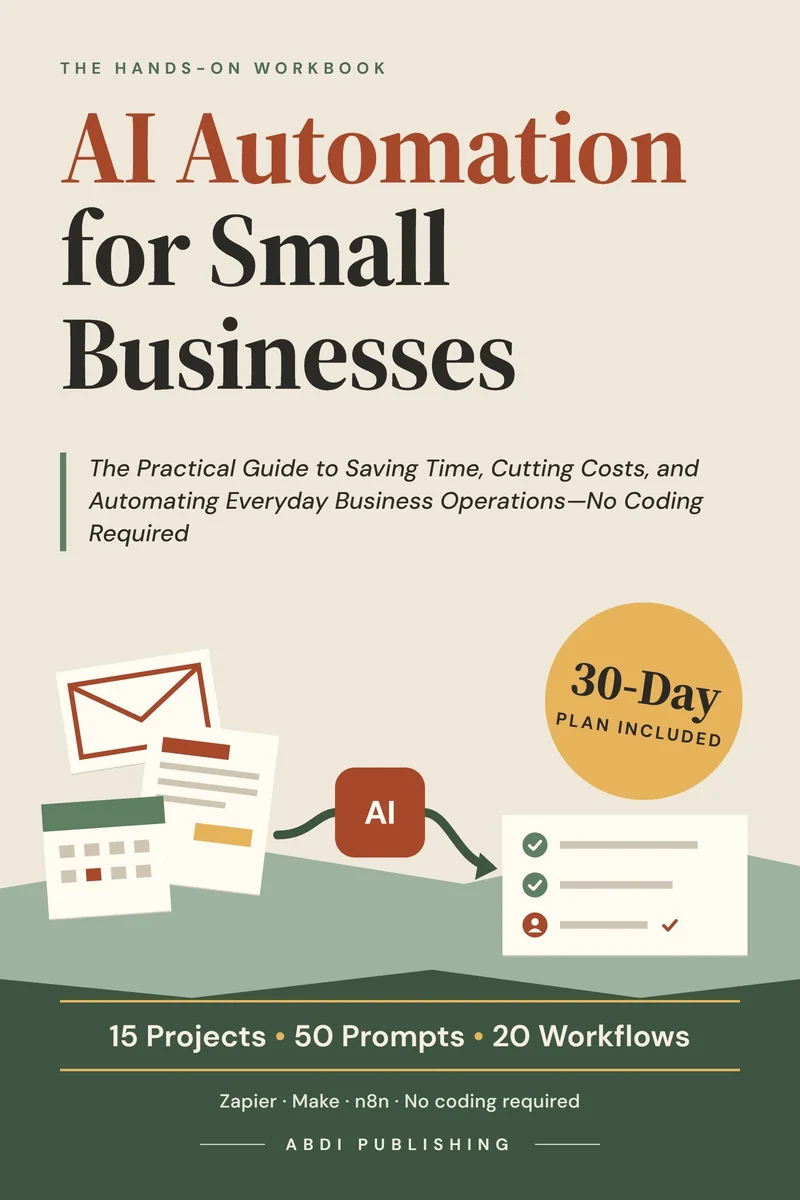
Sort email, capture leads, draft replies, summarize meetings and pull data from invoices with Zapier, Make or n8n: fifteen step-by-step projects, with a person in control of anything that reaches customers, and no coding.
AI Automation for Small Businesses by ABDI Publishing
The e-book is not on sale yet. It will be one purchase: PDF and EPUB, plus the editable companion files and the Troubleshooting Prompt Library. Questions? Contact us.
The book in numbers
What's inside
Six parts, from what AI can do to a 30-day plan
Understand, build, practice, apply, then measure and scale. Each part builds on the last, and the fifteen projects run from a simple form-to-spreadsheet Zap to a complete customer inquiry system.
Full table of contents- PART I
Understanding AI Automation
What AI automation can and cannot do, how workflows work, and how to choose tasks, tools and prompts.
- PART II
Building Your First Automations
Your first automations on Zapier, Make and n8n, how apps connect, and how to test before anything reaches a customer.
- PART III
Automating Everyday Business Tasks
Projects for email, customer support, leads, marketing, scheduling, documents, bookkeeping and onboarding.
- PART IV
Creating Complete AI Workflows
An internal knowledge assistant, connected automations, and an end-to-end customer inquiry system.
- PART V
Industry-Specific Automation Playbooks
Roadmaps for five kinds of business, each pointing to the projects to build first.
- PART VI
Measuring and Scaling Automation
Costs, savings and return, security and privacy, maintenance, and a 30-day implementation plan.
Included: Troubleshooting Prompt Library
Stuck mid-build? There's a prompt for that.
Three ready-to-paste prompts for each of the 15 projects. Paste one into an AI assistant, fill in the brackets, and let it coach you through the part of the build you are stuck on.
45 prompts · three for each of the 15 projects · PDF and Markdown
- Guided setup: the assistant walks you through a project one step at a time and tells you what you should see when each step worked.
- Troubleshooting: describe what you expected and what happened. The assistant checks the trigger, each step's output, the mapping and plan limits in order, then gives at most three likely causes, each with a two-minute check.
- Verification: the assistant writes a set of fictional test cases with expected results and says "Verified in my account" only when every must-pass case passed in your own run.
- Built-in safety: fictional or redacted data only, never passwords or API keys, and the assistant is told to say when it isn't sure instead of guessing.
Who it's for
Built for busy owners, not programmers
- You are a small business owner, manager, freelancer or member of office staff.
- You already use email, spreadsheets, online forms and a few business apps.
- You do not know how to program, and you do not want to learn.
- You can set aside four to six hours a week in your first month to build and test.
- You want a person to stay in control of anything that reaches customers or involves money.
Who it isn't for
Probably not the right book if you need
- Developers looking for code-level API integrations. The book uses no-code platforms: Zapier, Make and n8n.
- Ready-made workflows that were run end to end and can be switched on without testing. No tutorial in this edition was run on a live account. You test each one as you build it.
- Legal, tax or compliance advice. The book provides general information only (see its Disclaimer).
How it teaches
Blueprints you can follow, test and trust
The same 19-part structure in every project
What you will build, the business problem, required tools and costs, a workflow diagram, step-by-step instructions, the complete AI prompt, sample input and expected output, a testing procedure, common problems, safety checks and a completion checklist.
Diagrams that work on any platform
The book contains no screenshots. Each tutorial uses a tool-independent workflow diagram and names the buttons and fields to look for, whether you build in Zapier, Make or n8n.
Three safety classes
Every workflow is labeled A (fully automated), B (automated with monitoring) or C (mandatory human approval). When in doubt, start in Class C and move a workflow to Class B only after it has earned trust.
A testing status for every tutorial
Each project opens with a box saying exactly what was checked: documentation verification, conceptual review and, for some, simulated testing. Appendix K keeps a manual testing register for you to record your own results.
About the publisher
ABDI Publishing
ABDI Publishing is an independent publisher of practical field guides, founded by a professional data scientist. We use AI-assisted research, writing and editing, with a human publisher directing the work and taking responsibility for every book.
In this book, every tutorial says exactly what was checked, and no tutorial in this edition has been live-executed, so you test each one as you build it. All businesses and data are fictional, and a person stays in control of anything that reaches customers. How we make our books
What exactly do I get?
One purchase gives you the complete book as both a PDF and an EPUB, plus the editable companion files: worksheets, an ROI calculator, prompt and workflow templates, an invoice test set and a policy template. There are no separate format purchases.
How is the book delivered?
Right after payment you get a download page, and we email the same link to the address you used at checkout. Each link works for 72 hours and up to 10 downloads. If it expires, request a fresh one from the resend page at any time.
Do I need to know how to code?
No. The book is written for people who use email, spreadsheets, online forms and a few business apps. It uses no-code platforms: Zapier, Make and n8n.
Which tools do I need, and what do they cost?
A computer with a web browser, a business email account, Google Sheets or Excel, and an account on one automation platform. Free plans are enough for the first tutorial. Most AI tutorials need a paid plan, and AI usage is paid per run; for the volumes in the book's examples this is usually a small monthly amount. Prices change often: the book gives the prices it found in November 2026 and asks you to check each vendor's pricing page on the day you decide.
Have the workflows been tested?
Each tutorial was checked against the platform's official documentation and reviewed for missing steps and safety gaps, and some were simulated in a short script. None was run end to end on a live account. Every project includes its own testing procedure, so you test it as you build it, before it reaches a customer.
Will this save my business money?
No book can promise that. This one shows you how to pick tasks that are worth automating, and Chapter 27 shows you how to measure costs, savings and return honestly for your own business.
Which devices can I read it on?
The PDF works in any PDF reader on a computer, tablet or phone. The EPUB works in e-reader apps such as Apple Books, Google Play Books, Kobo and Calibre. To read on a Kindle, use Amazon's Send to Kindle, which accepts EPUB files. Appendix K explains how to open each companion file.
What is your refund policy?
If the book isn't right for you, email us within the refund window in our refund policy for a full refund. Your download links stop working once the refund is processed.
I bought it but can't find the email.
Check your spam or promotions folder first. Then use the resend page with the email address you used at checkout, and we'll send a new link.
Start automating safely
The complete book in PDF and EPUB, with the companion files and the Troubleshooting Prompt Library, coming soon.
The e-book is not on sale yet. It will be one purchase: PDF and EPUB, plus the editable companion files and the Troubleshooting Prompt Library. Questions? Contact us.